What is Google Gemini, and how is it different from Search?
Gemini helps you work through a task in conversation. Google Search helps you find information and destinations. The experiences overlap.
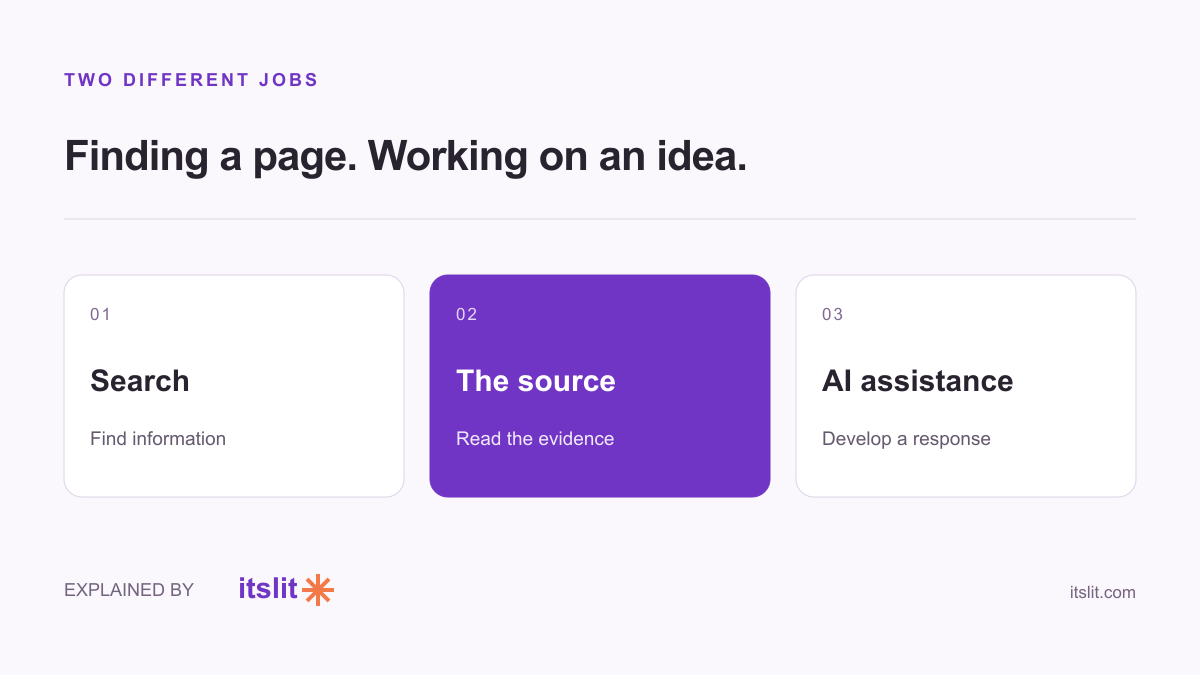
Gemini is Google's AI assistant for conversational tasks such as writing, learning and planning. Google Search is the service that finds and organizes information from the web and other sources. They overlap, but they are not interchangeable ways to finish every task.
Use the task to choose your starting point
Google describes Gemini's mobile app as a way to work with text, voice and images, with availability depending on factors including device, account and location. Think of a conversation in which you can ask for revisions or another explanation.
Google Search organizes and ranks information to answer queries and connect people with useful results. Search itself also uses AI, so “Gemini is AI and Search is not” is a misleading distinction.
A simple example: planning a museum visit
If you need the museum's official ticket page, start by finding that page. Check the institution's own opening hours, current prices and booking conditions.
If you already have those details and want help making a relaxed afternoon plan, a conversation can help organize them. You might ask Gemini to leave time for lunch, limit walking and produce two alternatives. This is a suggested workflow, not a report of a tested itinerary.
The distinction is the job: locating authoritative facts versus arranging information around your preferences. You can move between the two rather than choosing one product for everything.
Does Gemini always show its sources?
No. Google's source-link guide says that some responses include sources or related links and others do not. When sources are supplied, you may find them inline or through the Sources button.
A link can be related to the response without proving every sentence in it. Open the relevant page and check the specific claim before relying on a date, requirement or quotation.
Make your follow-up specific
Ask which parts of an answer came from the information you supplied and which need checking. When a detail changes frequently, ask for its source and date, then inspect the original.
For creative work, define the audience and output: a three-sentence invitation, a packing checklist, or a beginner-friendly explanation. For a factual lookup, define the place, date and institution. Those extra details help you evaluate the answer instead of simply accepting an answer that sounds complete.
You do not need to replace search with chat. Use whichever route gets you to the right evidence and a useful next step.
Keep exploring: Check an AI citation · Why confidence is not evidence.
Sources
- Google: Get started with the Gemini mobile app
- Google: How Search works
- Google: View related sources from Gemini Apps
What remains uncertain
Gemini features and availability change. The suggested museum workflow is illustrative; no product comparison or itinerary test was conducted.
How this story was prepared
AI-assisted article prepared using the linked sources, checked on September 26, 2026; not independently human-reviewed.