How do you check word count in Google Docs?
Find the count on desktop or mobile, then make sure you are counting the right part of your document.
On a computer, open your Google Doc and choose Tools → Word count. In the Android or iPhone app, open the document and choose More → Word count.
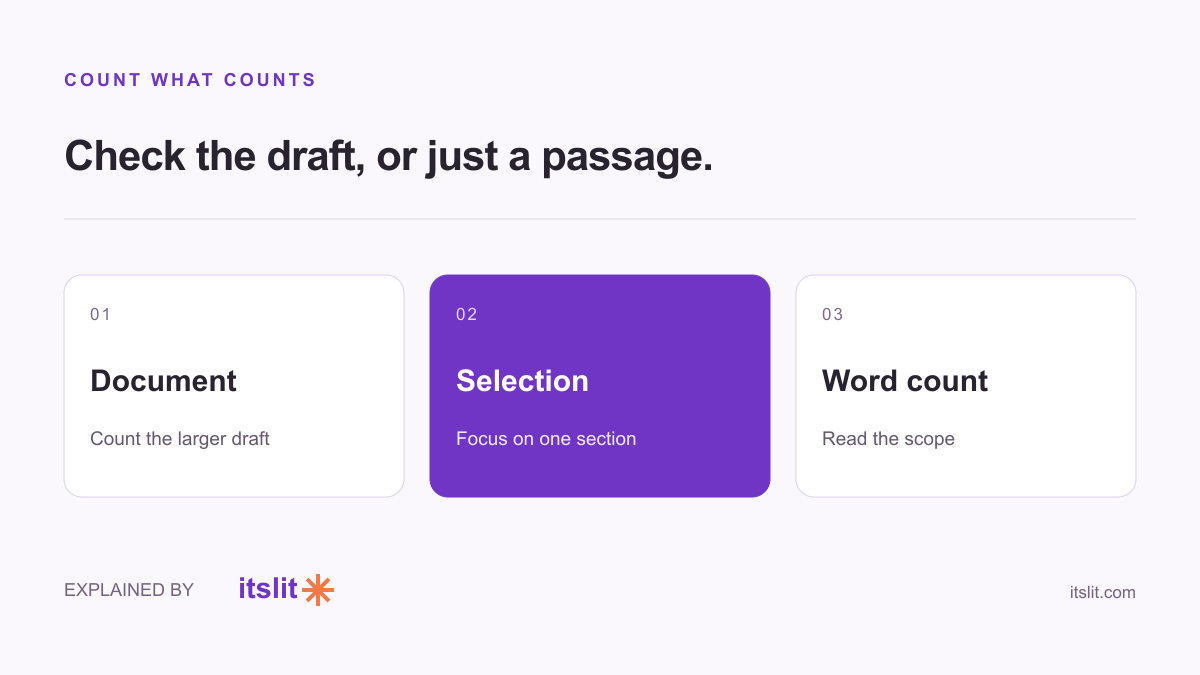
Count the whole draft or one passage
Google's word-count guide says the normal count excludes headers, footers and footnotes. Selecting a passage lets you count that selection instead.
For an application with a strict limit, our recommendation is to select only the answer you will submit. A document may also contain your notes, the question itself and several abandoned versions. Counting all of that answers a different question.
Keep the number visible while writing
On desktop, the word-count dialog offers Display word count while typing. The small counter appears at the bottom left. It can also show character counts, including a count without spaces.
Check the submission instructions before choosing a number. A 500-character field and a 500-word essay are very different constraints. If a form supplies its own counter, compare the final pasted text with that counter before submitting.
Use the mobile app's menu
The official Android and iPhone and iPad instructions use the same More-menu route. Google notes that word count is unavailable in Microsoft Office Compatibility Mode.
If an imported file behaves differently, first confirm what format you are editing rather than repeatedly hunting through the menu.
Trim the draft, not its meaning
Suppose your answer needs to fit 150 words. Keep the claim, the strongest supporting detail and the action you want the reader to take. Then look for repeated setup or a closing paragraph that merely repeats the opening.
This is editing advice, not a rule about what Google counts. Do not remove qualifications simply to hit the target. “We expect delivery Friday” means something different from “Delivery Friday.”
Run one final count on the finished selection, read it aloud for missing context, and submit the actual final version.
Keep exploring: Recover an earlier draft.
Sources
- Google Docs: Word count on computer
- Google Docs: Word count on Android
- Google Docs: Word count on iPhone and iPad
What remains uncertain
Instructions follow the linked official documentation checked September 26, 2026. Interfaces can change; no hands-on product test was conducted.
How this story was prepared
AI-assisted article prepared using the linked sources; not independently human-reviewed. Examples are illustrative.