Google Docs sharing: Viewer, Commenter or Editor?
Choose the role that matches the job: reading, feedback or changing the document. Also check who can open the link.
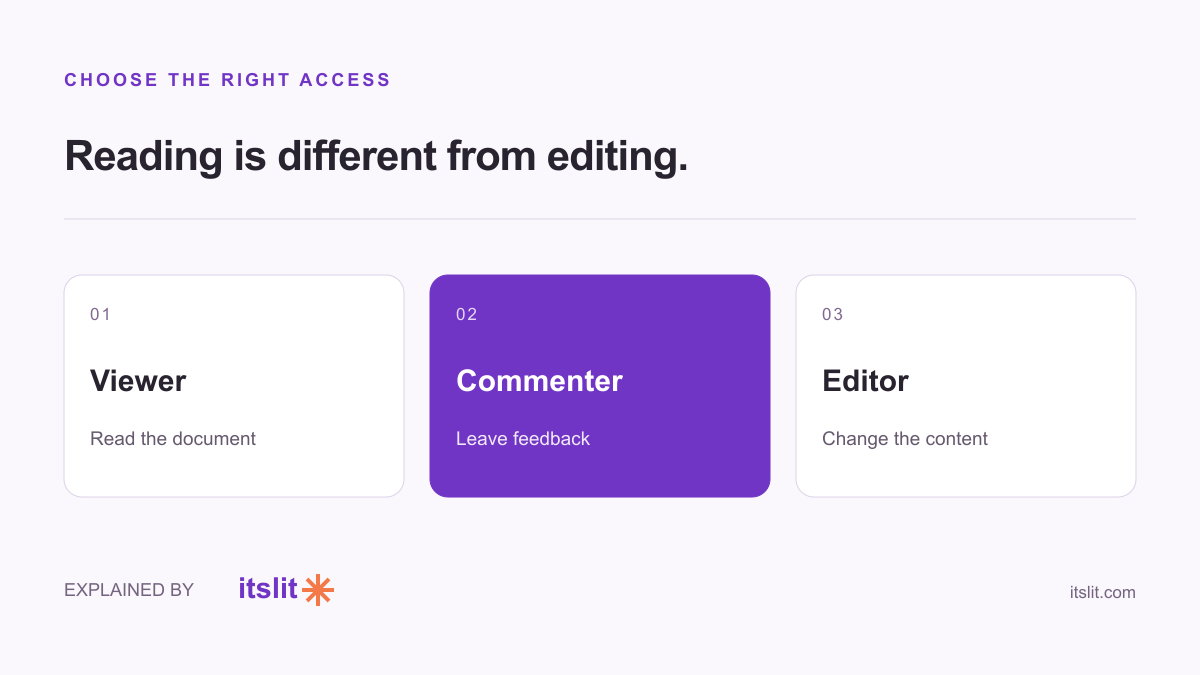
In Google Docs, a Viewer can read, a Commenter can leave feedback and suggestions, and an Editor can change the content. Choose based on what someone needs to do, rather than giving everyone editing access by default.
Match the role to the work
Google's access guide distinguishes the three roles. An Editor can also accept or reject suggestions; a Commenter cannot directly change the document's content.
For example, a finished event schedule might go to guests as Viewer. A friend reviewing the wording could be a Commenter. The person updating times and speakers needs Editor. These are suggested uses, not requirements imposed by Google.
If you want feedback without a silent rewrite, say that explicitly in your message. Permission settings decide what is possible; a short instruction explains the collaboration you actually want.
Set access and role separately
Open Share, add the intended recipient and choose the appropriate role before sending. Google's sharing documentation also distinguishes restricted access from access for anyone with the link.
Our recommendation for an unfinished private draft is to share with named people. A link meant for a broad audience is a separate decision. Ask two questions: Who should open this, and what should they be able to do once inside?
Check the settings beyond the label
For My Drive files, Google says viewers and commenters can download by default unless the owner restricts it. Editors can generally share and change permissions unless the owner controls that setting. A role name alone does not describe every permission.
Do not assume that read-only means confidential. Keep information you do not intend to share out of the shared document in the first place.
If someone still cannot open it
Ask which Google account they are using. Google's access guidance notes that people with multiple accounts need the one the file was shared with; workplace rules may also restrict sharing.
Confirm the recipient and intended access before making the link public as a workaround. That resolves the collaboration problem without unnecessarily expanding the audience.
Keep exploring: Recover an earlier draft · Check your word count.
Sources
What remains uncertain
Instructions follow the linked official documentation checked September 26, 2026. Interfaces can change; no hands-on product test was conducted.
How this story was prepared
AI-assisted article prepared using the linked sources; not independently human-reviewed. Examples are illustrative.